

Test Strips
Test Strips Products and Options
Browse Test Strips for diabetes monitoring. Compare meter compatibility, pack details, related supplies, and educational resources before choosing a product.
Explore optionsChoose your medication
Every product in this category, in the order patients choose them most. Open a product to see every strength, quantity price and the prescription details.

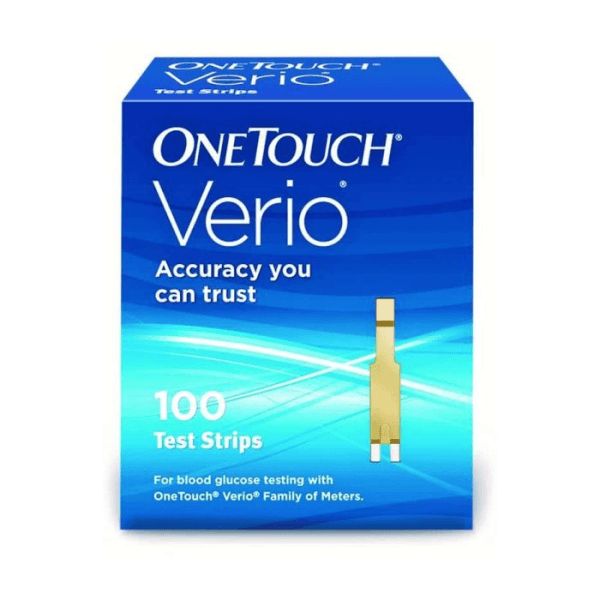
Prices in USD, the lowest price for each product; your dose and quantity set the final price.
Shipping, shown before you pay

Express Shipping, 3-5 days
$39.99 USD cold-packedCold-packed products must ship Express, in medical-grade, temperature-controlled packaging. Dry-packed products ship Express for $29.99. A $50.00 surcharge may apply to cold-packed orders of less than 3 units.

Standard Shipping, 5-10 days
$19.99 USD dry-packedFor dry-packed products only; not available for cold-packed products. Shipping to Hawaii, Alaska and Puerto Rico may need additional charges. A $35.00 surcharge may apply to orders of $300.00 or less. See our shipping policy
Compare the most ordered
Active ingredient, comparison prices and starting price for the products patients order most in this category. Your prescriber decides what is right for you.
| Product | Active ingredient | US / Canadian comparison | Starting price (USD) |
|---|---|---|---|
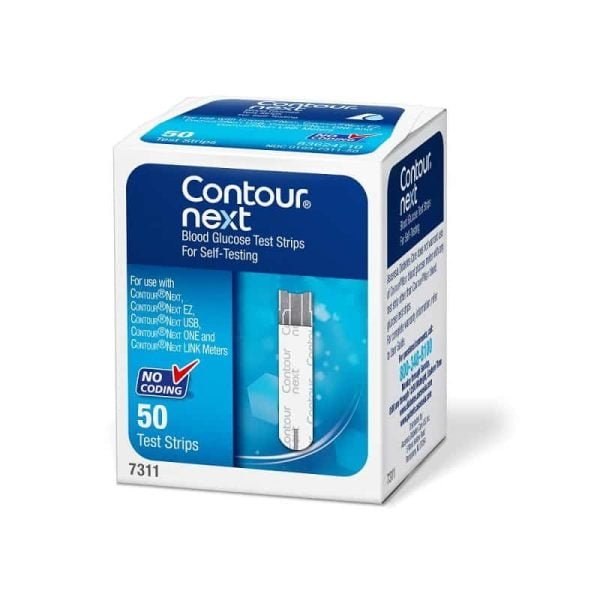
| Contour Next Test Strips | Glucose Oxidase | US |
Price range: $49.99 through $81.99 You save |
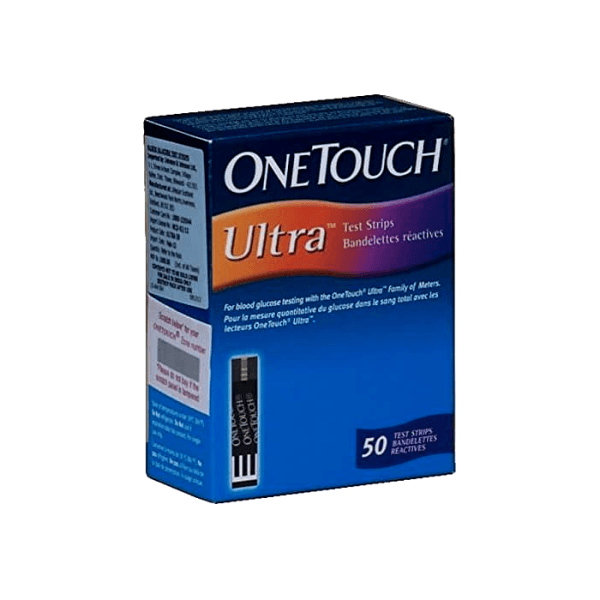
| OneTouch Ultra Test Strips | Glucose Oxidase | CA |
$79.99 You save |
| Freestyle Lite Zipwik Test Strips | Glucose Oxidase | US |
$84.99 You save |
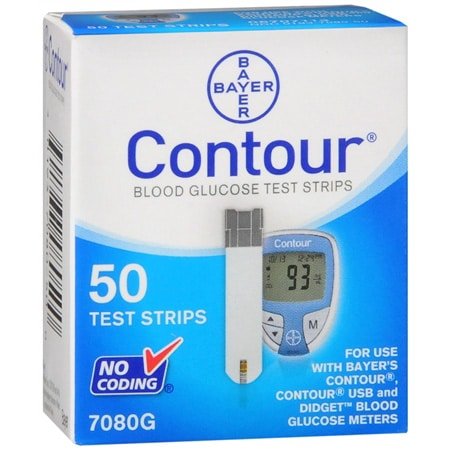
| Bayer Contour Test Strips | Glucose Oxidase | US |
Price range: $49.99 through $81.99 You save |
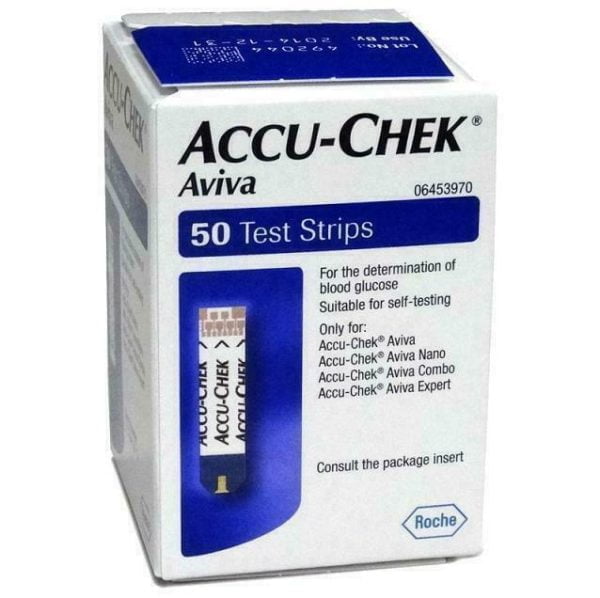
| Accu-Chek Aviva Test Strips | Glucose Oxidase |
Price range: $47.99 through $82.99 You save | |
| One Touch Verio Test Strips | Glucose Oxidase |
Price range: $49.99 through $81.99 You save | |
Comparison prices as shown on each product page.
We stand behind our prices
We work hard to offer the very best available price. If you find a lower price on the same product, we will match it.
Learn how →Tiered pricingNew tiered pricing is here
Buy more and save more on the medications you trust: save 7% per pack when you buy 2, and 14% per pack when you buy 3 or more.
See tiered pricing →Read the full Test Strips guide
Use this Test Strips collection to compare diabetes testing supplies for at-home blood glucose checks. It focuses on meter-matched strips and points to related monitoring supplies, diabetes product categories, and educational articles when you need more context. Start with compatibility, then review pack details and any access requirements shown on each listing.
Compare Test Strips by Meter Compatibility
Blood glucose meters use specific strips. A strip that fits one meter family may not work with another, even when product names look similar. Check the exact meter model, strip name, and package label before comparing pack counts or related supplies.
Brand searches help when you already know your meter. Accu-Chek Guide test strips, Accu-Chek Instant strips, and Accu-Chek Active strips belong to different product lines. OneTouch Verio Flex users should also check OneTouch Verio test strips compatibility before selecting a package.
Compatibility questions matter more than pack size at the start. Searches for Accu-Chek Guide test strips 50, Accu-Chek Guide test strips 100, or larger package counts should still begin with the meter model. The same applies to OneTouch Verio test strips 50 or any listing that uses a familiar brand family name.
Quick tip: Keep your meter model nearby while reviewing strip listings, because package names can look similar.
What this product list can include
Most diabetes test strips are single-use supplies that work with a small capillary blood sample (fingerstick blood). Product listings may include branded glucose test strips, multi-count packages, or strips meant for a specific meter family. The key comparison is not only the brand. It is the full product name, the meter match, and the package details.
| Browse factor | What to check |
|---|---|
| Meter model | Match the strip name to the exact meter or system. |
| Pack count | Compare the number of strips listed in the package, such as 50-count or 100-count when shown. |
| Label details | Review expiry, storage, and handling notes on the product page or package. |
| Testing plan | Use your clinician’s instructions to decide how often you need supplies. |
If a product page lists several quantities, compare them after checking compatibility and expiration details. A larger count is not automatically the better fit if your testing routine is changing or your clinician has recently adjusted monitoring instructions. Product pages can help with item details, but your care team should guide testing frequency.
Why it matters: The right strip-meter match helps reduce preventable setup problems during routine testing.
Narrow related monitoring supplies
The Test Strips category works best when you view it within a complete monitoring setup. If you need a meter first, compare Blood Glucose Monitors. For accessories that sit outside this strip category, browse Other Diabetes Supplies.
Fingerstick testing and CGM can both appear in diabetes monitoring conversations, but they are different product paths. Test strips pair with a blood glucose meter for individual readings. CGM products use sensors and receivers or compatible devices to track glucose trends. Your clinician can explain when each method fits your situation.
Some people also compare fingerstick testing with continuous glucose monitoring, often called CGM. CGM systems do not replace every strip-related need for every person, but they can change what supplies a care plan includes. Product pages such as Dexcom G7 Sensor and Dexcom G7 Receiver can help you separate sensor-based supplies from strip-based testing.
If low blood glucose is a concern in your care plan, compare nearby Hypoglycemia Aids separately from routine testing supplies. These products serve a different purpose than monitoring strips, so product labels and clinician instructions matter.
Access and interpretation notes
Access rules can vary by product and location. Where required, prescription details may be confirmed with the prescriber. Licensed third-party pharmacies handle dispensing where permitted. These process notes are separate from medical guidance, so they should not replace instructions from your healthcare professional.
Home readings can support diabetes management, but this category cannot tell you how often to test or what number should prompt action. Testing schedules, target ranges, and responses to high or low readings should come from your clinician. For reading-focused support, How Often Should You Monitor Blood Sugar explains monitoring questions, while Blood Sugar Normal Range Chart covers common number ranges in plain language.
Readings can be affected by timing, food, illness, activity, and medication changes. The product list helps you identify supplies, not diagnose patterns. If readings seem unusual or symptoms do not match the number on the meter, follow the instructions from your device materials and contact a healthcare professional.
Use linked categories to keep browsing organized
Test strip shopping often overlaps with broader diabetes care categories. Start with Diabetes Products when you want the wider product list, or move to Diabetes Medications when you need to separate supplies from medication pages. People comparing non-insulin options can use Non-Insulin Diabetes Medications as a separate product category.
Medication categories are linked for navigation only. They are not substitutes for a medication review, and they do not determine which monitoring supplies you need. If your treatment plan includes insulin, non-insulin medication, or rescue treatment for severe low blood sugar, keep those product decisions separate from strip compatibility.
Condition-aligned browsing can also help when you want products and resources grouped around a diagnosis. Diabetes Condition Resources collects diabetes-related pages, while the Diabetes Articles archive keeps educational reading separate from product listings.
A simple pre-check before comparing listings
- Confirm the exact meter or system name before reviewing strip packages.
- Compare package quantities only after compatibility is clear.
- Check product labels for expiry, storage, and handling information.
- Keep clinician instructions separate from product browsing notes.
- Review related supplies only when they support your current monitoring setup.
It can help to open only a few relevant pages at a time. Compare one strip listing, one meter page, and one related supply category before moving into medication or condition resources. This keeps the browsing path focused and reduces the chance of mixing product types.
Return to the Test Strips product list when you need to compare meter fit, package details, and related diabetes supplies side by side. Use product pages for item-specific details and clinician instructions for testing routines.
This content is for informational purposes only and is not a substitute for professional medical advice.
This content is for informational purposes only and is not a substitute for professional medical advice.
What customers say once the box arrives
- Verified buyers only
- Collected independently by Stamped
- Every review stays visible
Reviews from verified buyers, collected by Stamped; spelling corrected only. Each describes one customer's own experience and is not medical advice. Individual results vary.
 Model
Model4.8/5 from 2K+ verified reviews
I choose to fill my prescription through Canadian Insulin because of the tremendous savings. The customer service at Canadian Insulin is the best!…Read the full review
 Model
Model4.8/5 from 2K+ verified reviews
An online order that felt personalized because of its consistent and efficient communication.Read the full review
 Model
Model4.8/5 from 2K+ verified reviews
Received quick and sincere responses. Life happens but people who care let you know they are working for you. Sincere Thank youRead the full review
 Model
Model4.8/5 from 2K+ verified reviews
Never a glitch after placing many orders. Thanks everyone for being so responsive!Read the full review
 Model
Model4.8/5 from 2K+ verified reviews
Ozempic has been a life saver for me. Although I slowed down on losing quickly, I am still maintaining and losing around 5 lbs a month which works for me. Canadian Insulin is the perfect company to deal with: very honest and friendly.Read the full review
Browse more categories




Related articles
View all articles →
Symptoms of Low Sugar Levels in Blood: Signs and Next Steps
The symptoms of low sugar levels in blood can include shaking, sweating, hunger, a fast heartbeat, dizziness, anxiety, blurred vision, confusion, and…
Read more →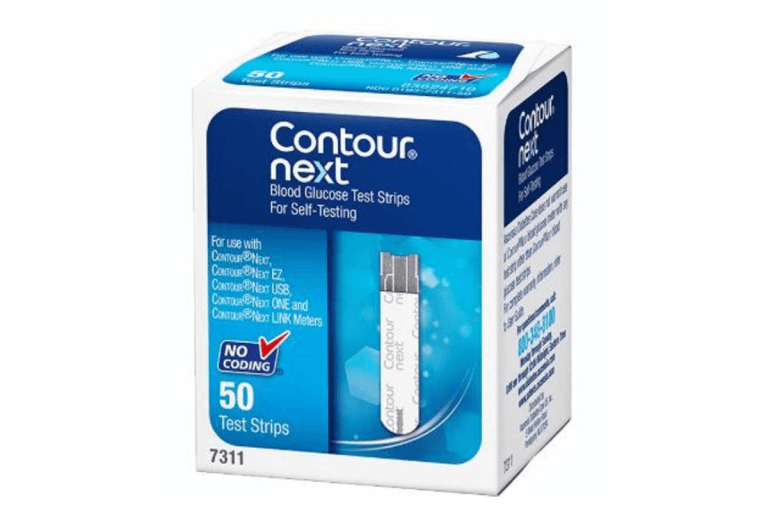
Contour Next Test Strips: Compatibility And Home Testing Checks
Contour Next Test Strips are single-use blood glucose strips made for compatible Contour Next meters. The key safety step is simple: match…
Read more →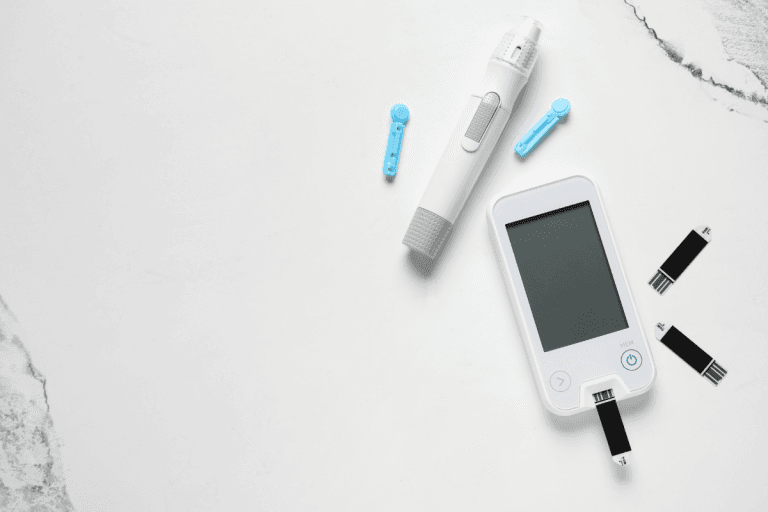
Lancets for Blood Sugar Testing: Safe Selection and Use
Lancets are small sterile needles used to prick the skin for a drop of capillary blood, most often during a fingerstick blood…
Read more →
OneTouch Verio Flex Meter: Setup, Strips, and Safe Tracking
OneTouch Verio is a family of blood glucose meters used for fingerstick checks at home. The Verio Flex model can help you…
Read more →Speak to us
Our customer service team are highly experienced and friendly. Get in touch today.
How should I compare test strips in this category?
Start with the meter model, then compare strip name, package quantity, and label details. Do not begin with pack size alone. Some listings may look similar but serve different meter families. If you also need a meter or related supply, review those categories separately so you do not mix strip-based supplies with sensor-based products.
Can I use any test strip with my glucose meter?
Usually no. Blood glucose meters are designed for specific strip types, and product names can be easy to confuse. Check the meter manual, package label, and full product name before choosing. If the strip and meter do not clearly match, ask a pharmacist, diabetes educator, or prescriber before using the supply.
Do test strips require a prescription?
Requirements can vary by product, location, and how the item is being obtained. Some diabetes testing supplies may be available without a prescription in many settings, while other diabetes products may need documentation. Review the product page and follow any instructions from your healthcare professional or pharmacy. Do not assume the same access rule applies to every diabetes supply.
What should I ask my healthcare professional about testing supplies?
Ask which meter and strip name you should use, how often to test, what target range applies to you, and what steps to follow for readings outside that range. Also ask whether CGM, fingerstick testing, or both belong in your care plan. Product categories can organize options, but they cannot personalize monitoring instructions.

Speak to our team
 Call toll free1-844-560-7790
 Emailservice@canadianinsulin.com
Monday to Friday 7am – 11pm EST
Saturday 7am to 7pm EST
Sunday 8am – 5pm EST